If you are choosing a reliable Ugreen Certified HDMI Cable to connect your TV to a game console such as a Sony PlayStation or Xbox, then in this article I will tell you why you should forget about HDMI versions 2.1 or 2.0 when choosing HDMI, how to check the cable for originality, and I will unpack in detail the certified HDMI cable Ugreen HD171 (25910) of the Ultra High Speed category.
Why Certification Matters
Buying an HDMI cable today often feels like a lottery. The market is flooded with cheap cables that promise “space” quality, but in practice produce a black screen, flickering or signal loss at the most crucial moment. That is why the only reliable criterion for choosing is the presence of official certification from the HDMI Licensing Administrator organization.
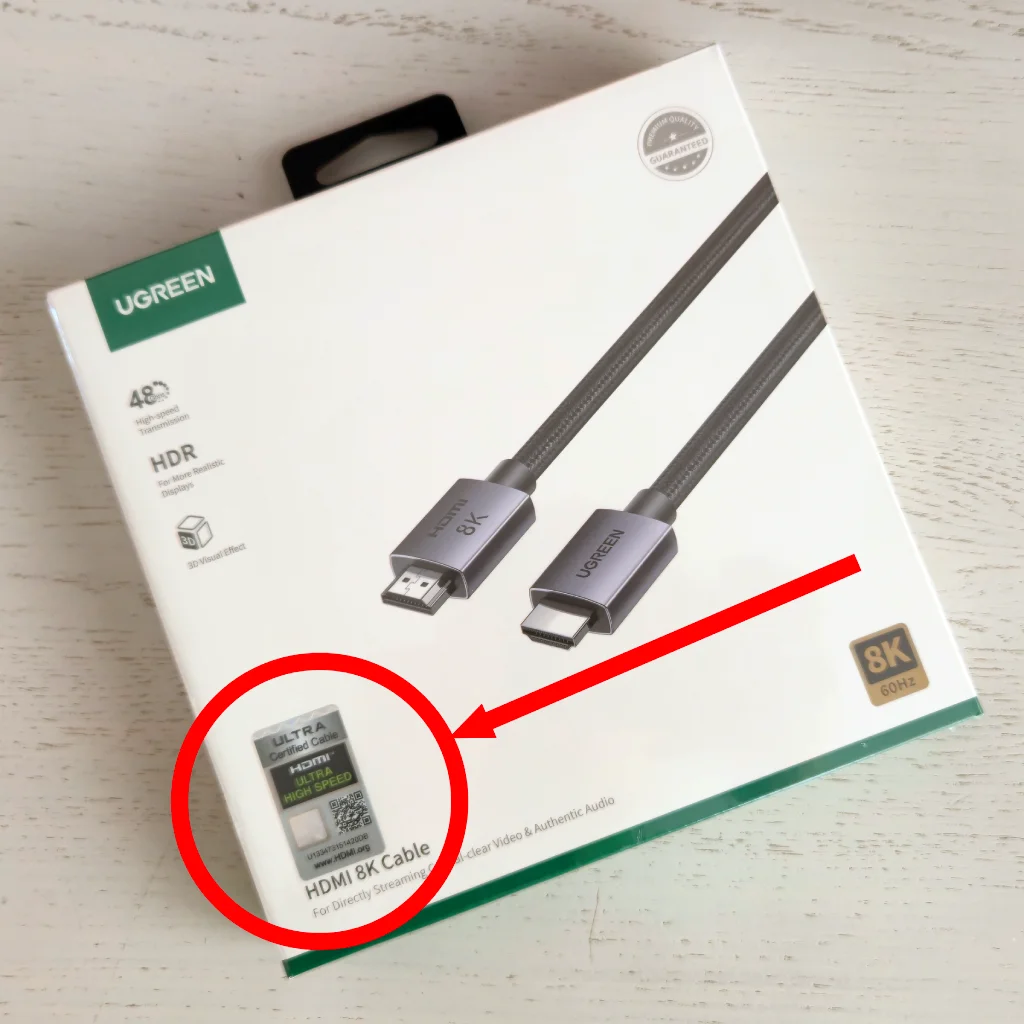
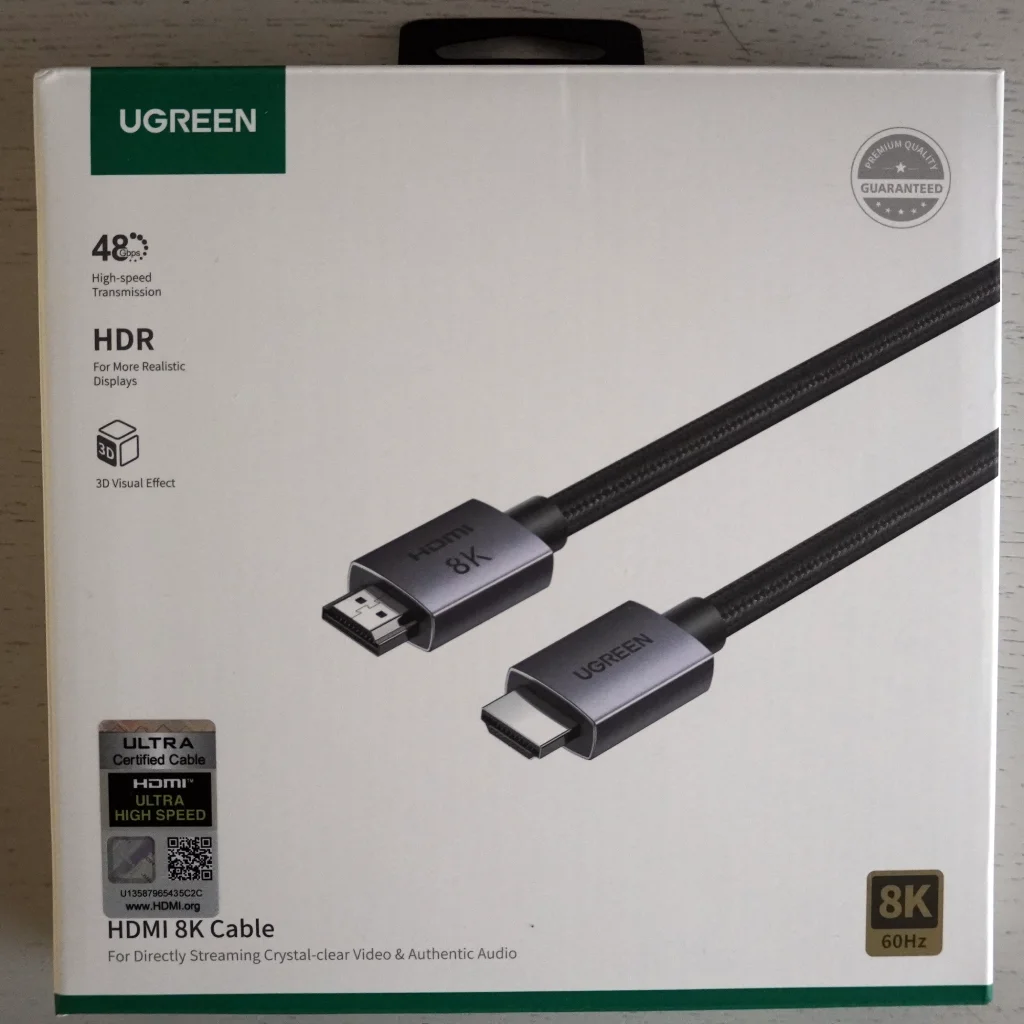
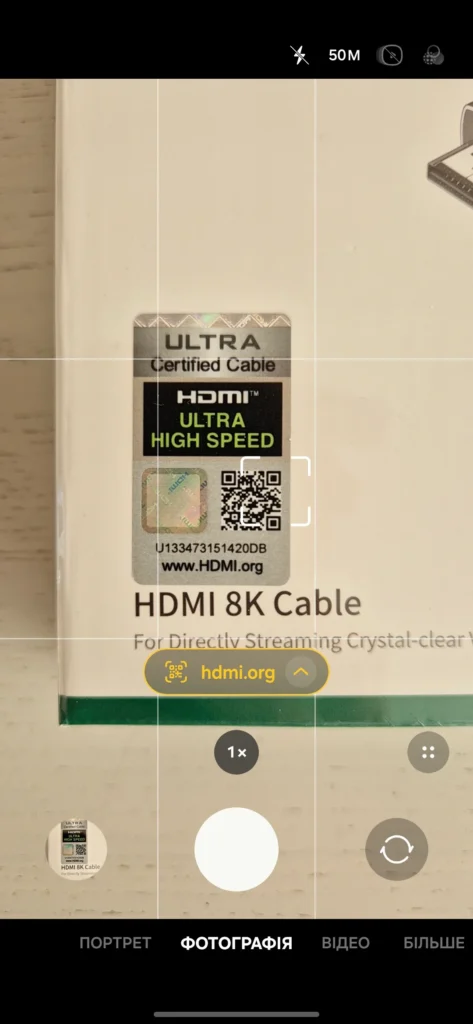
A genuine certified cable always has a special holographic sticker with a QR code on the packaging. After scanning it, the user must go to the official website of the HDMI organization and immediately receive confirmation of originality. This is the principle by which I chose my new cable.
Forget about versions, look at the category
Many people look for the coveted numbers “HDMI 2.1” or “HDMI 2.0” when choosing a cable. But the truth is that I don’t pay attention to them at all. And here’s why: the HDMI organization allows manufacturers to write “HDMI 2.1” on the box, even if the cable only supports some of the features of this standard, and not all.
Therefore, the only correct indicator is the speed category. Instead of versions, you should look for the corresponding markings, Standard HDMI, High Speed HDMI, Ultra High Speed HDMI.
For convenience, I will provide a comparison table of standards.
| Official standard name | Bandwidth | Maximum resolution and frame rate | Key technologies and features |
|---|---|---|---|
| Standard HDMI | 4.95 Gbps | 1080i / 720p @ 60 Hz | Basic digital video and audio transmission. An outdated standard that is now almost unused. |
| High Speed HDMI | 10.2 Gbps | 4K @ 30 Hz 1080p @ 120 Hz | The appearance of the audio return channel (ARC) for outputting audio to the receiver, support for 3D video and an optional Ethernet channel (HEC). |
| Premium High Speed HDMI | 18.0 Gbps | 4K @ 60 Hz 1440p @ 144 Hz | Support for static HDR (high dynamic range), up to 32 audio channels. This is the basic minimum for comfortable viewing of 4K content. |
| Ultra High Speed HDMI | 48.0 Gbps | 8K @ 60 Hz 4K @ 120 Hz (144 Hz) | Dynamic HDR (HDR10+, Dolby Vision), eARC enhanced audio (uncompressed). Gaming support: VRR (variable refresh rate), ALLM (auto low latency mode). |
My choice fell on the Ultra High Speed HDMI category.
The pricing of certified HDMI cables is often shrouded in myths that confirmed quality necessarily costs a lot of money. Indeed, the process of obtaining official Ultra High Speed status from HDMI LA requires the brand to spend additional costs: paying for strict laboratory testing for each length of the cord, licensing fees, and purchasing unique holographic stickers. This physically does not allow selling such a product for $2-3. However, thanks to the huge production volumes, mass market giants like Ugreen are able to optimize these costs as much as possible in the cost price.
Today, it is quite possible to purchase a cable with official certification and a stable bandwidth of 48 Gbps for only 400 hryvnias (about $10), receiving guaranteed operation of all modern video standards without any overpayments for audiophile marketing or “premium” design.
Cable Features
To better understand the features and specifications, I have created a table that displays the main functionality of the cable:
| Specifications | Value |
| Total Bandwidth | 48Gbps |
| HDCP | 2.3 and backward compatible |
| Sampling Rate | 24-bit/192kHz Max |
| Audio Formats | Supports LPCM / AC-3 / DTS / DTS-HD Master Audio / Dolby® TrueHD / DTS: X® / Dolby Atmos® |
| Function Supported | 4K HDR (Dolby Vision and HDR 10) eARC (Enhanced Audio Return Channel) VRR (Variable Refresh Rate) QMS (Quick Media Switching) QFT (Quick Frame Transport) ALLM (Auto Low Latency Mode) 3D Visual Effect Audio/Video Sync |
| Resolution | 8K@60Hz and backward compatible |
The length of this cable is 2 meters.
This is a crucial addition to my tech setup, alongside my recent unboxing of the Samsung Galaxy S24.
Unboxing Ugreen HD171
The cable comes in a cardboard box, on the front of which you immediately notice the same hologram Ultra High Speed HDMI Cable. Overall, the design is minimalistic.
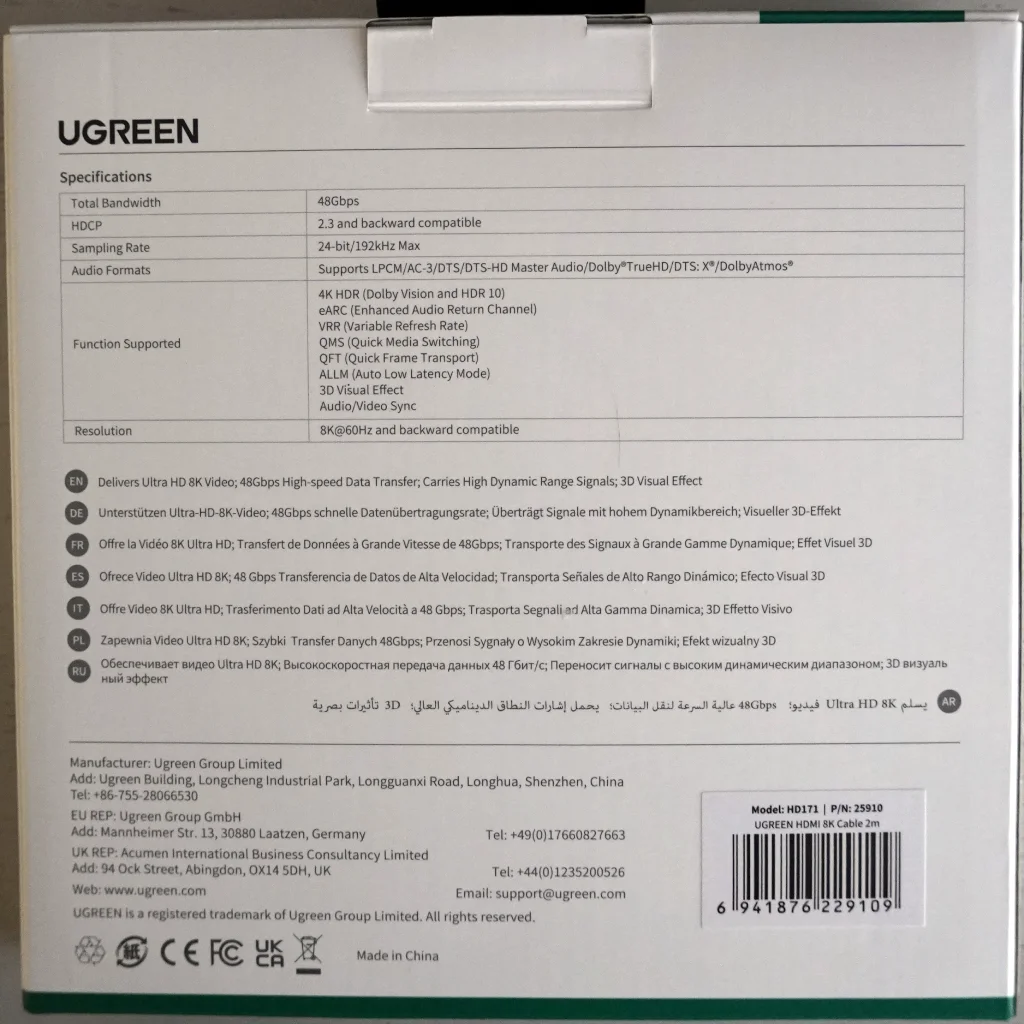
On the back is a specification plate, then a description of the cable in many languages, and below is the manufacturer, model, and code of this cable.
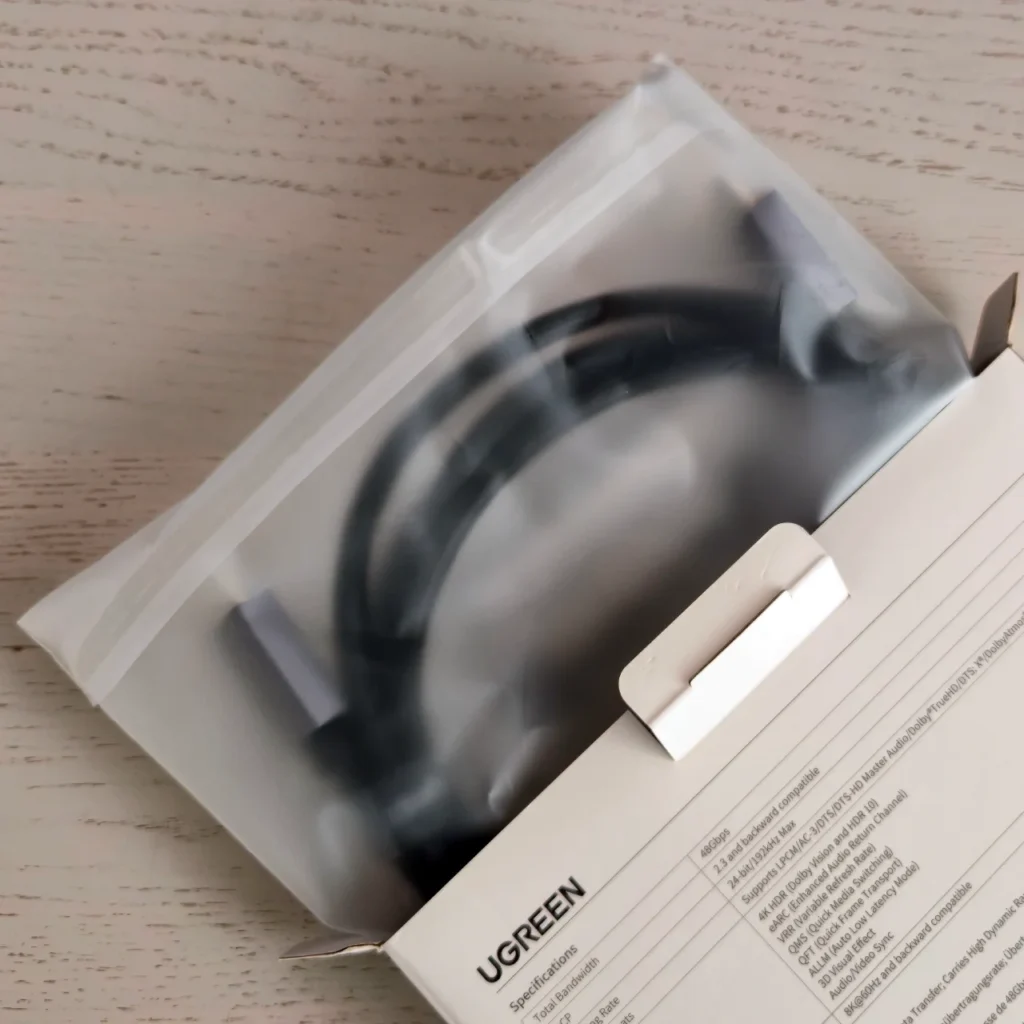
Inside, the cable is packed in a matte bag that is sealed with tape. This bag cannot be opened unnoticed.
The cable itself is quite thick, twisted into a circle and secured with branded Velcro. Put on plastic protective caps on both ends. Also, there is a tag on one of the ends, which once again states that this is a certified Ultra High Speed HDMI Cable.
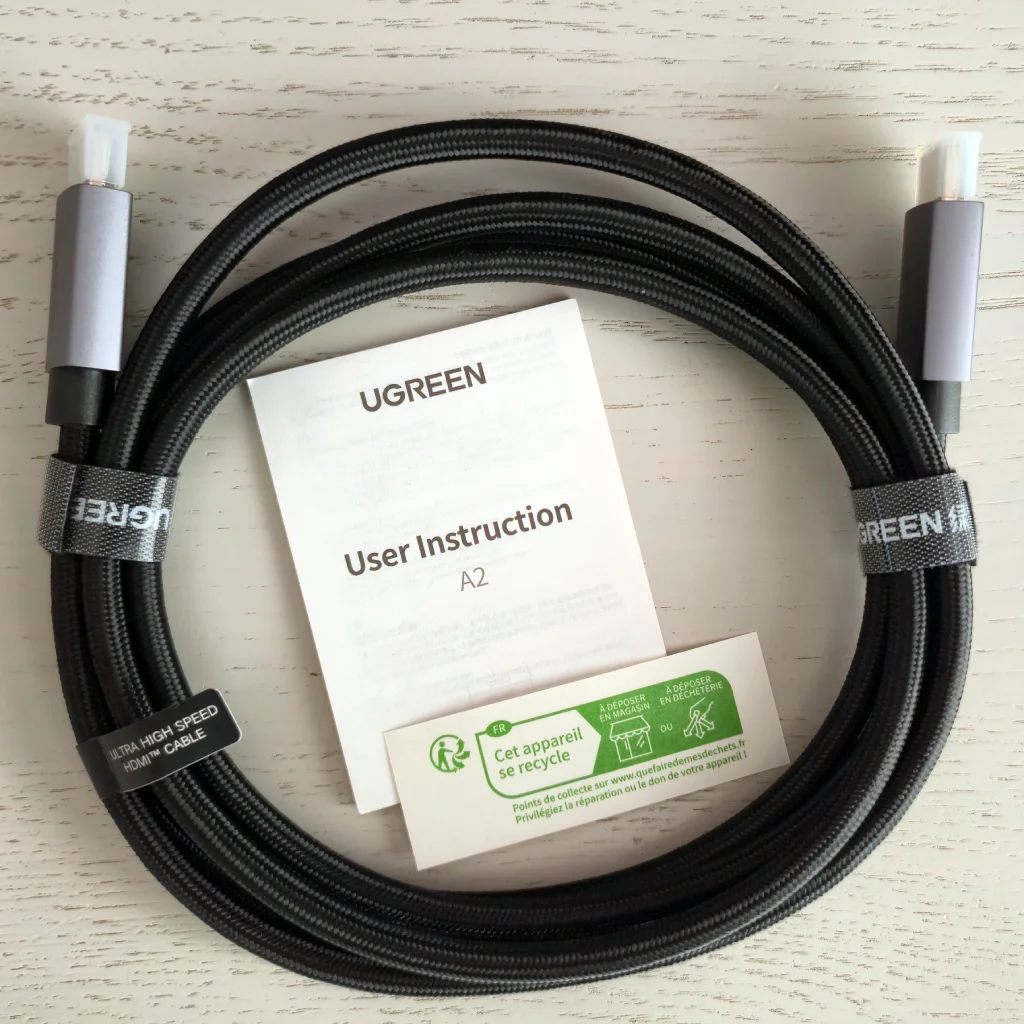
Also in the box were the user manual and recycling information.
Certification check
Since I bought two of these cables, I noticed that the serial numbers on the holograms were different – this is one of the signs that the cables are still original and not a fake.
My smartphone camera immediately recognized the link
After visiting the link, I got this result:
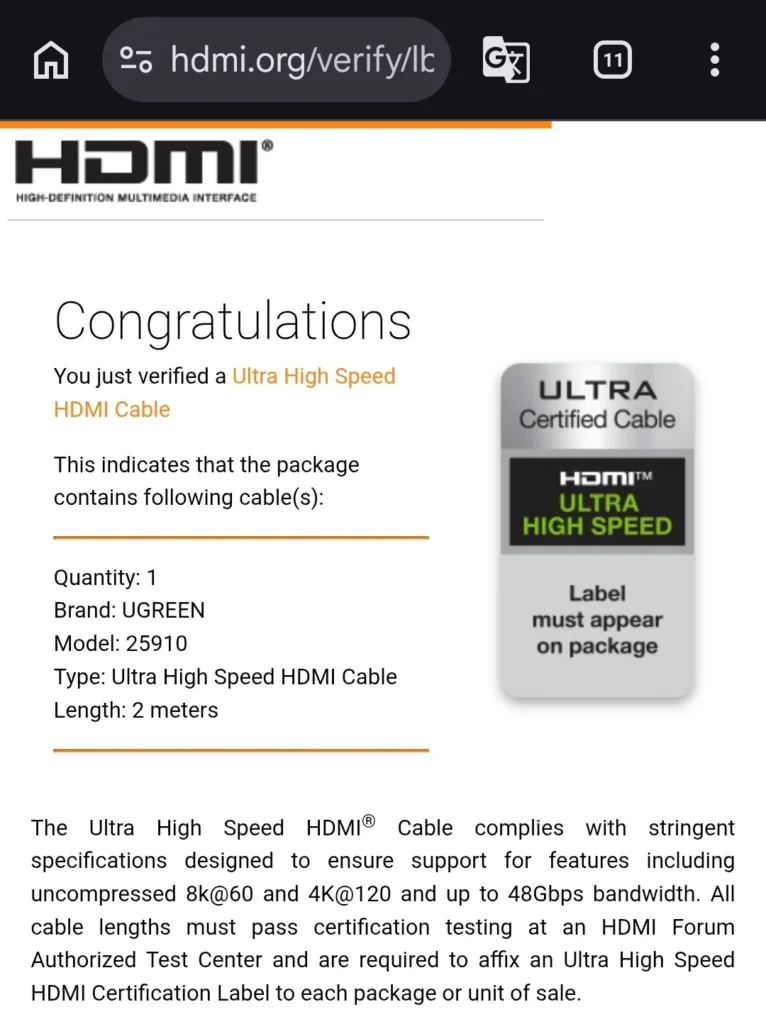
This information indicates that my cable is listed as certified in the HDMI organization’s database.
Conclusions
Ugreen HD171 (25910) fully met expectations. The main lesson from this purchase: you should not save a couple of hundred hryvnias on a cable of dubious origin, only to then waste your nerves on finding the reasons why the signal drops or HDR does not turn on. Official Ultra High Speed certification and a proven brand are a guarantee that you will connect the devices once and simply enjoy a high-quality picture.