Introduction
An ice maker in your refrigerator is a great convenience – until it stops working. My Samsung refrigerator with an ice dispenser worked well for about three years, but one day the ice tray became misaligned and got stuck.
Performing a Samsung ice maker repair DIY style can save you time and money, especially when dealing with common alignment issues. In this guide, I’ll walk you through the process of fixing a misaligned ice tray in the RS68 series, ensuring your refrigerator starts dispensing ice again without the need for an expensive service call.
Identifying the Problem
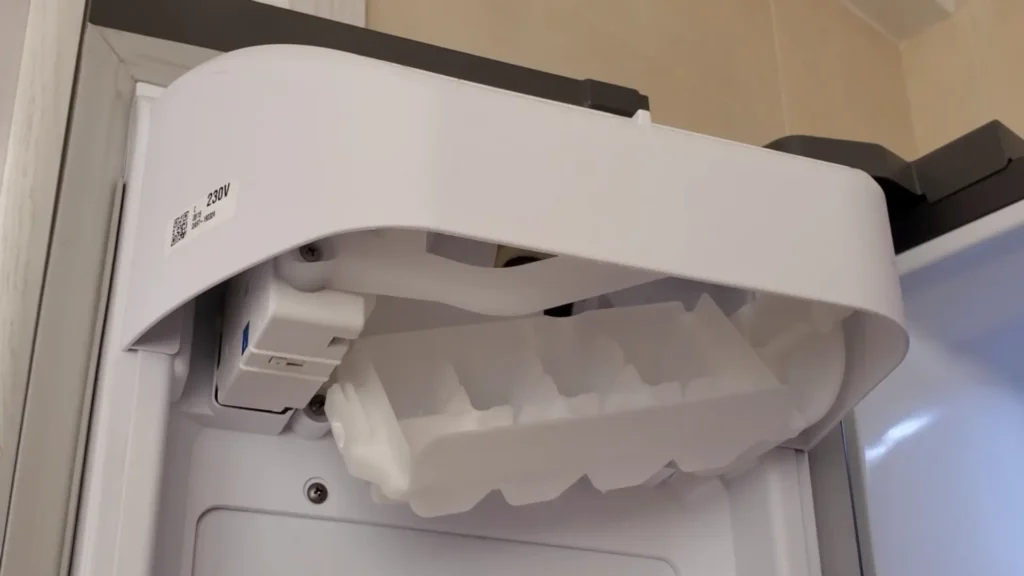
The first step is diagnosing the issue. In my case, the ice tray was misaligned and hanging only on one side, preventing the mechanism from properly flipping and dispensing ice.
Preparation
Before starting, make sure to:
- Turn off the refrigerator.
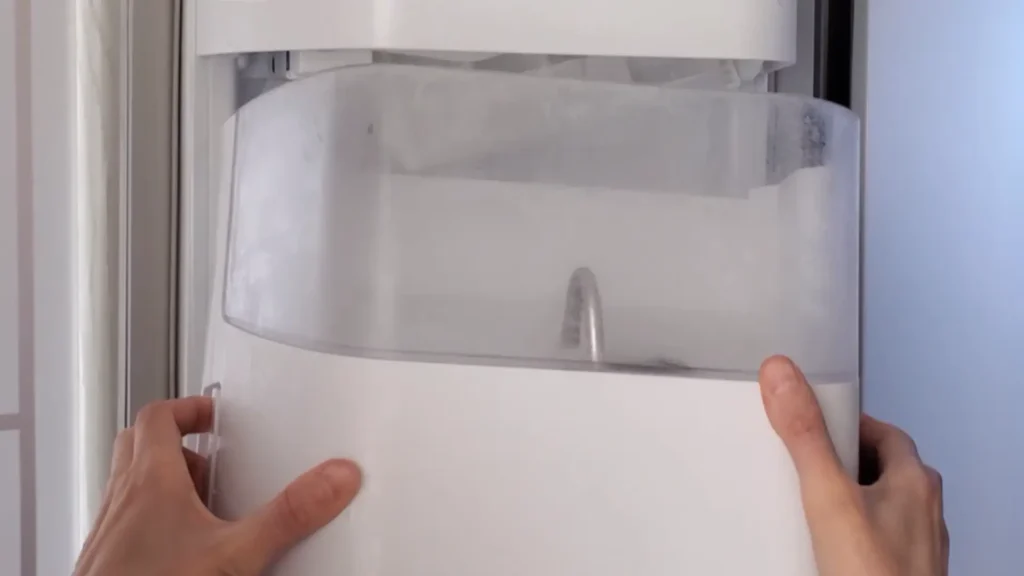
- Remove the ice bucket (it slides out easily).
- Check the service manual (see link on the end of article).
Removing the Decorative Panel
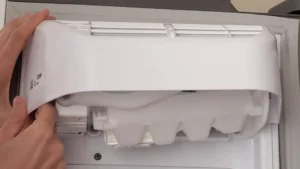
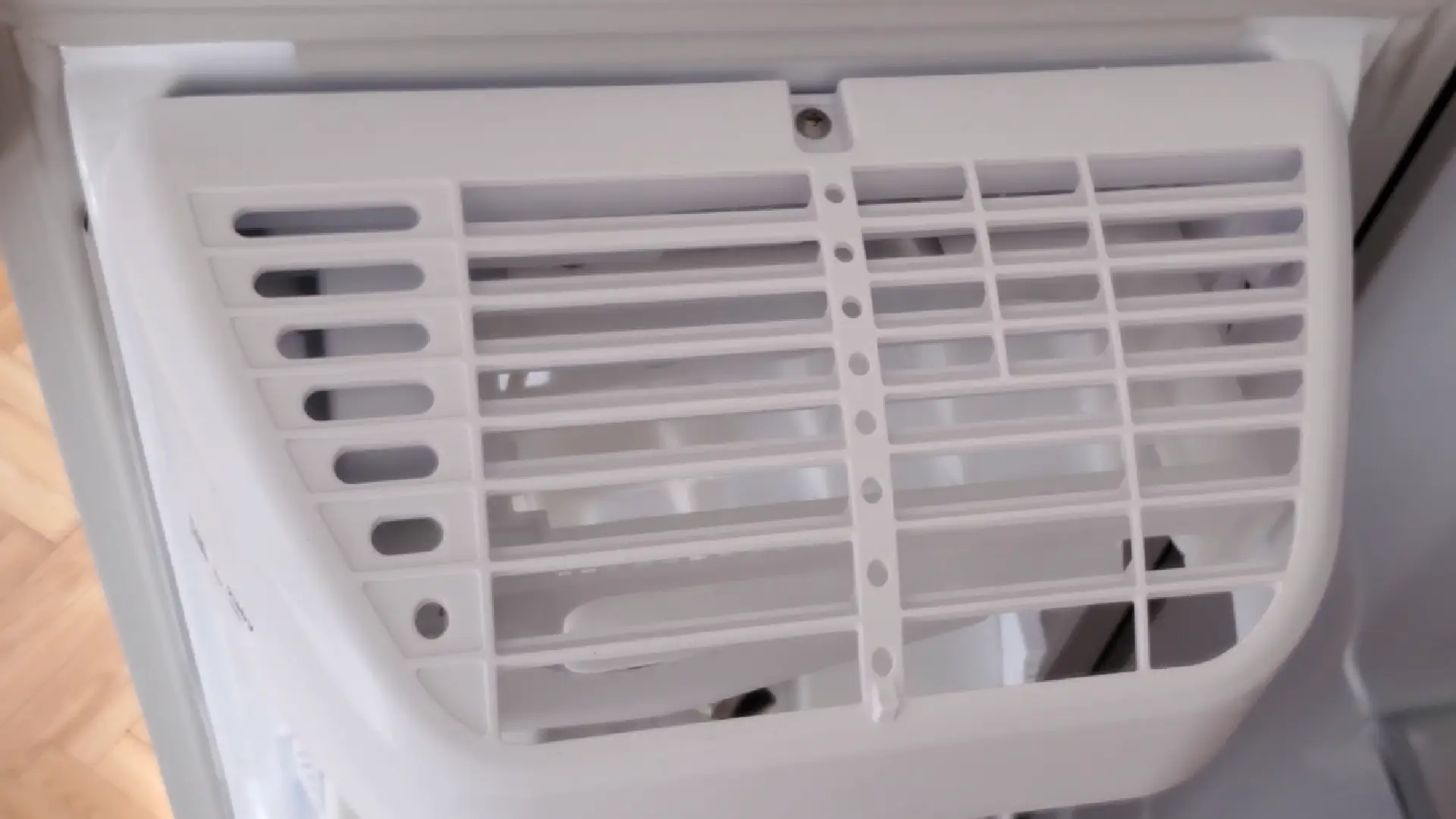
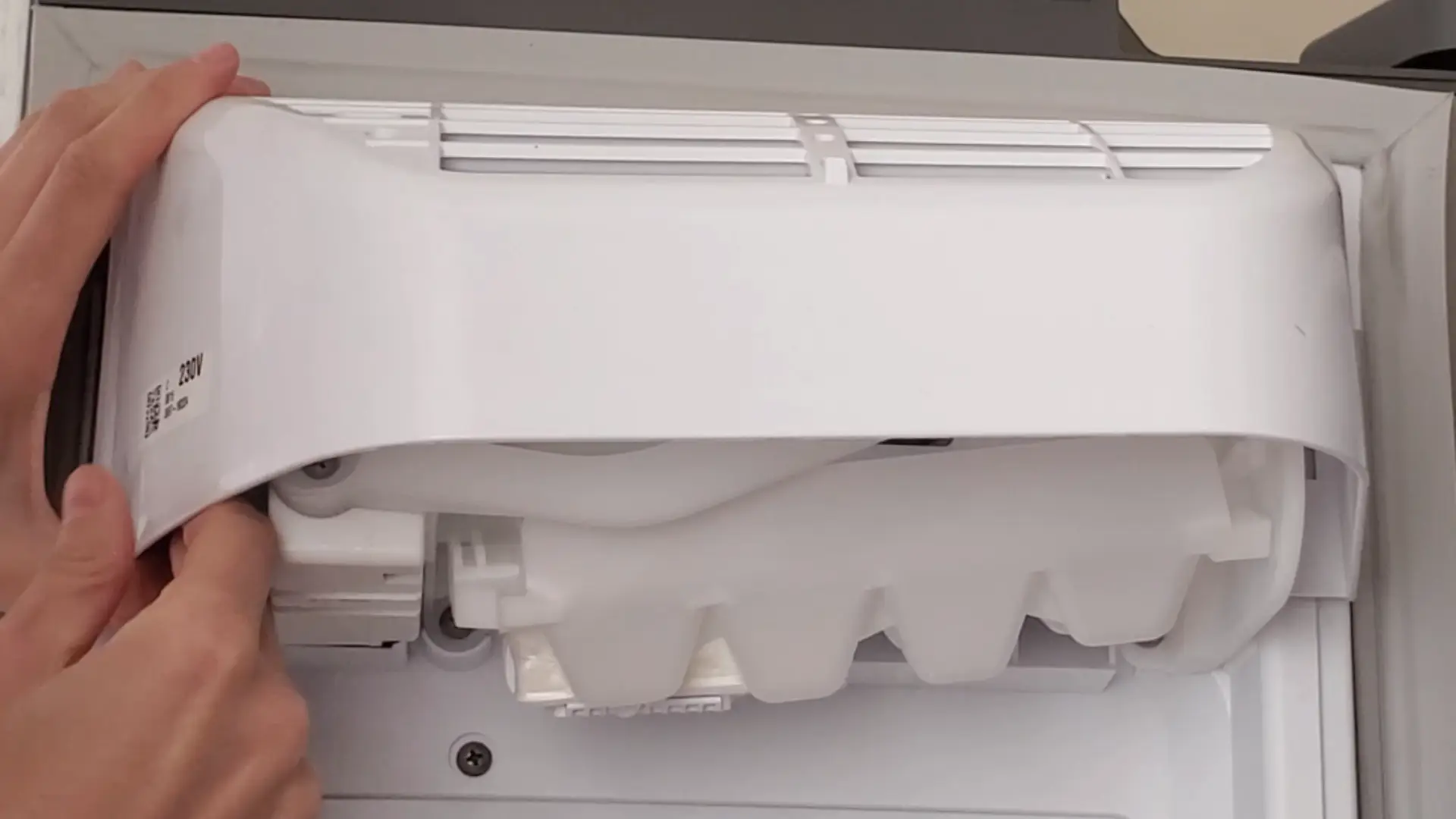
To access the ice maker, you need to remove the decorative panel, which is secured by:
- One screw on top.
- Two side clips.
I unscrewed the top screw, gently lifted the panel up and forward, and it came off easily.
Disassembling the Ice Maker
Now we can see the main mechanism. To properly fix the ice tray, we must remove the ice maker block.
Steps to remove it:
- Unscrew four screws holding the ice maker in place.
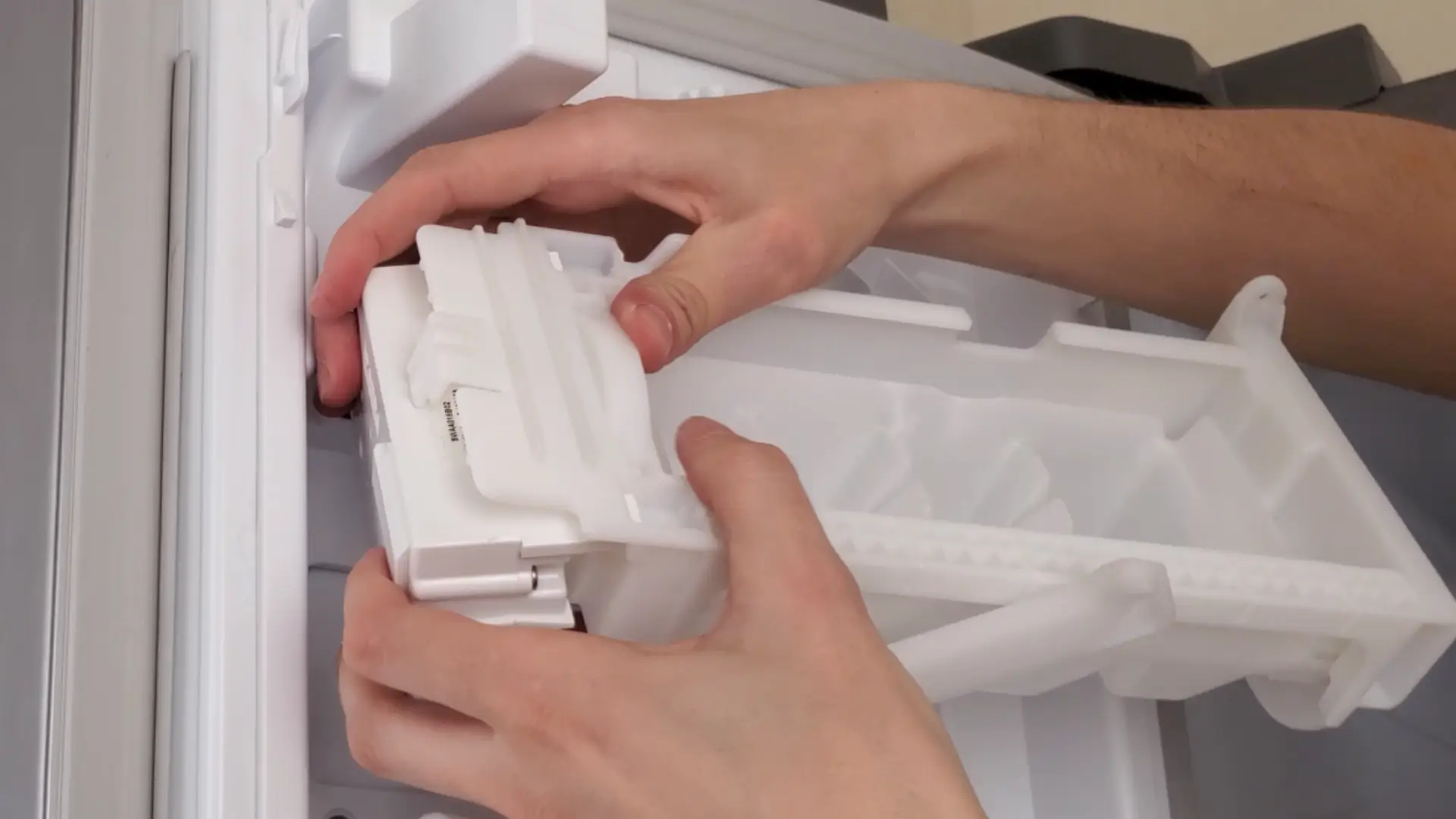
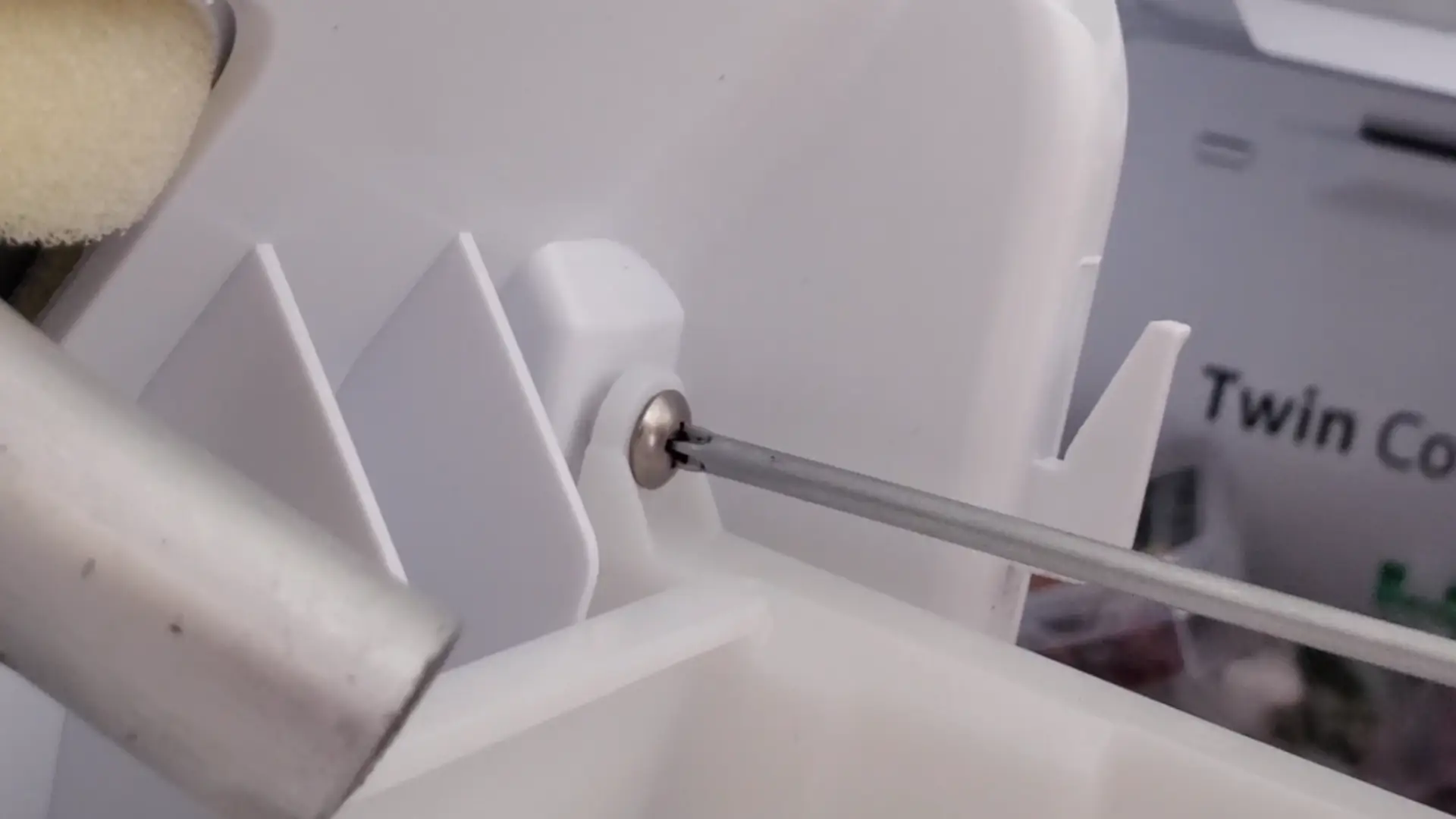
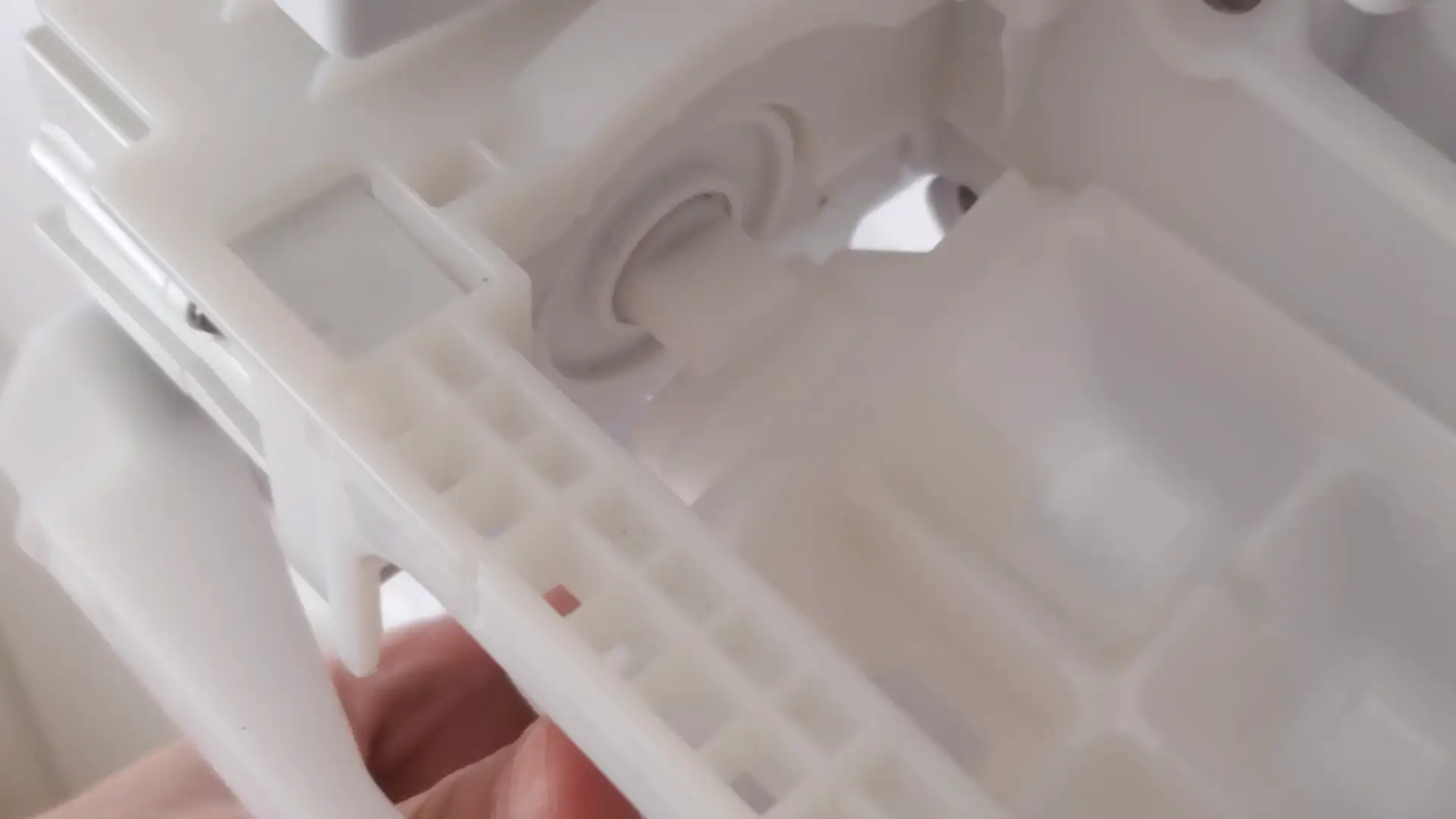
- Detach the ice tray (held by a clip and two top mounts).
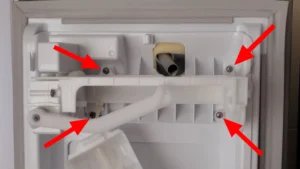
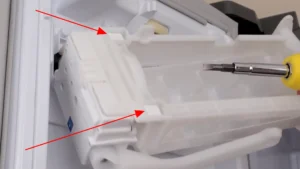
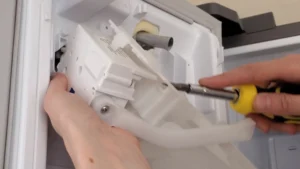
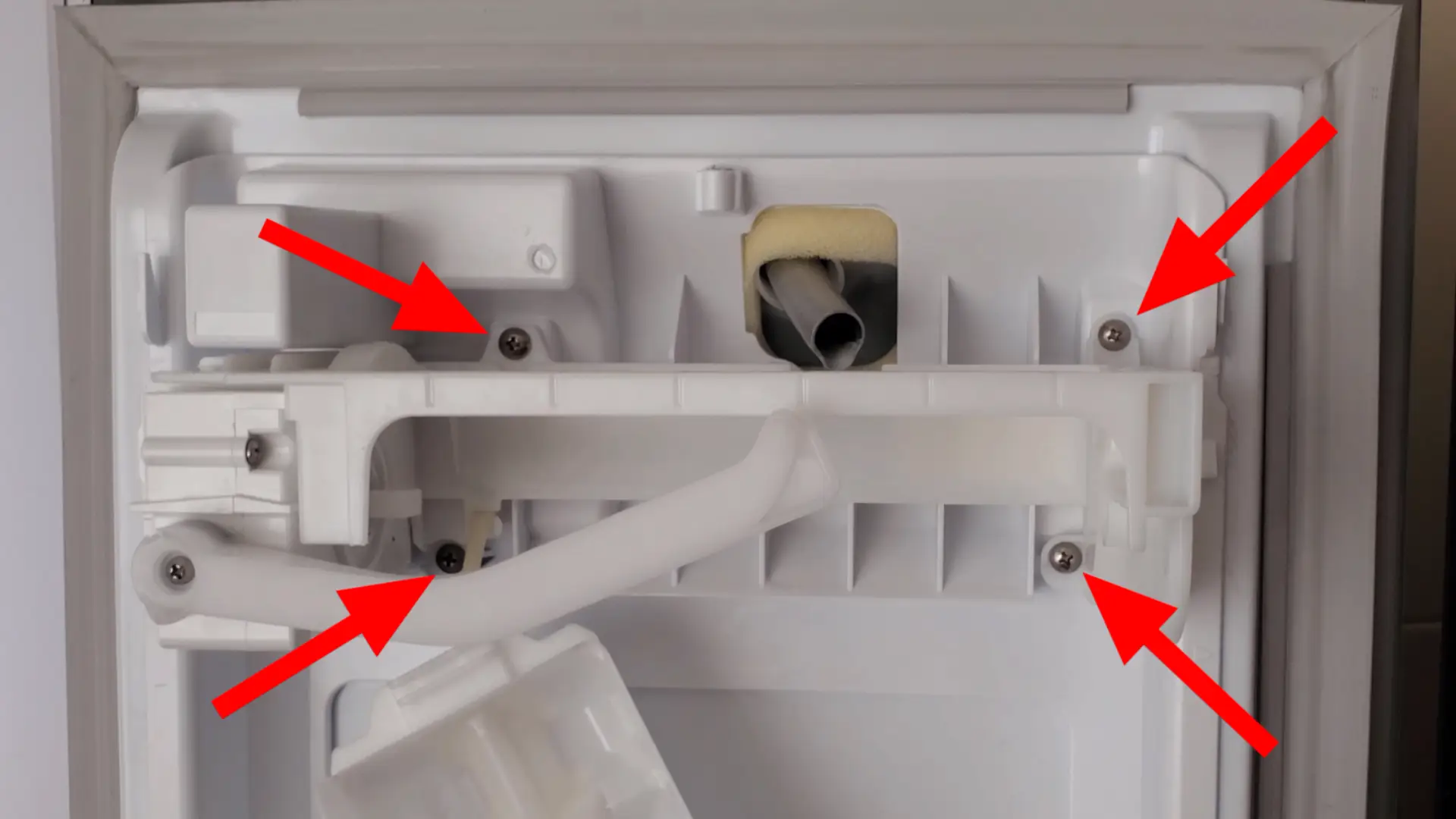
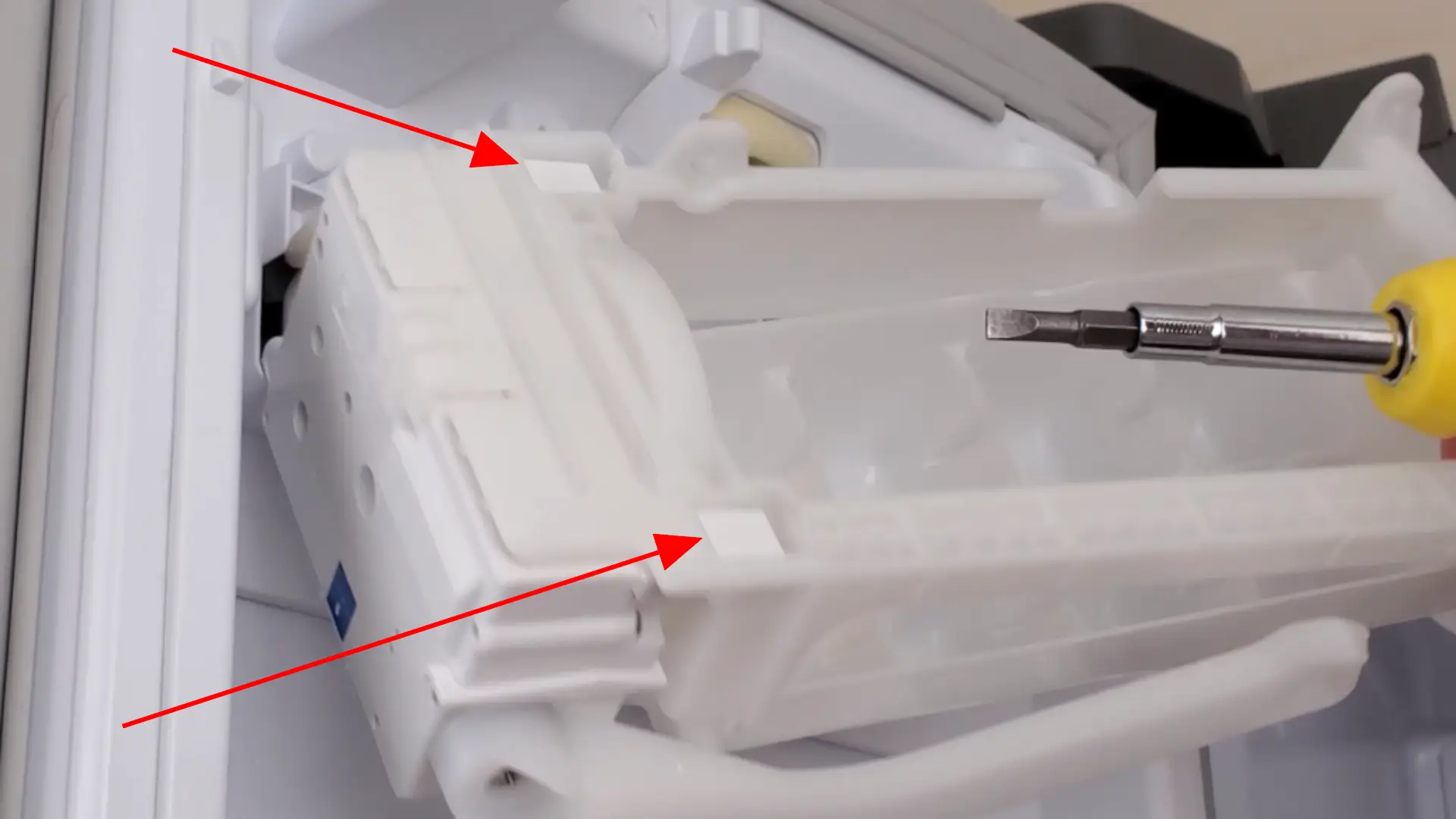
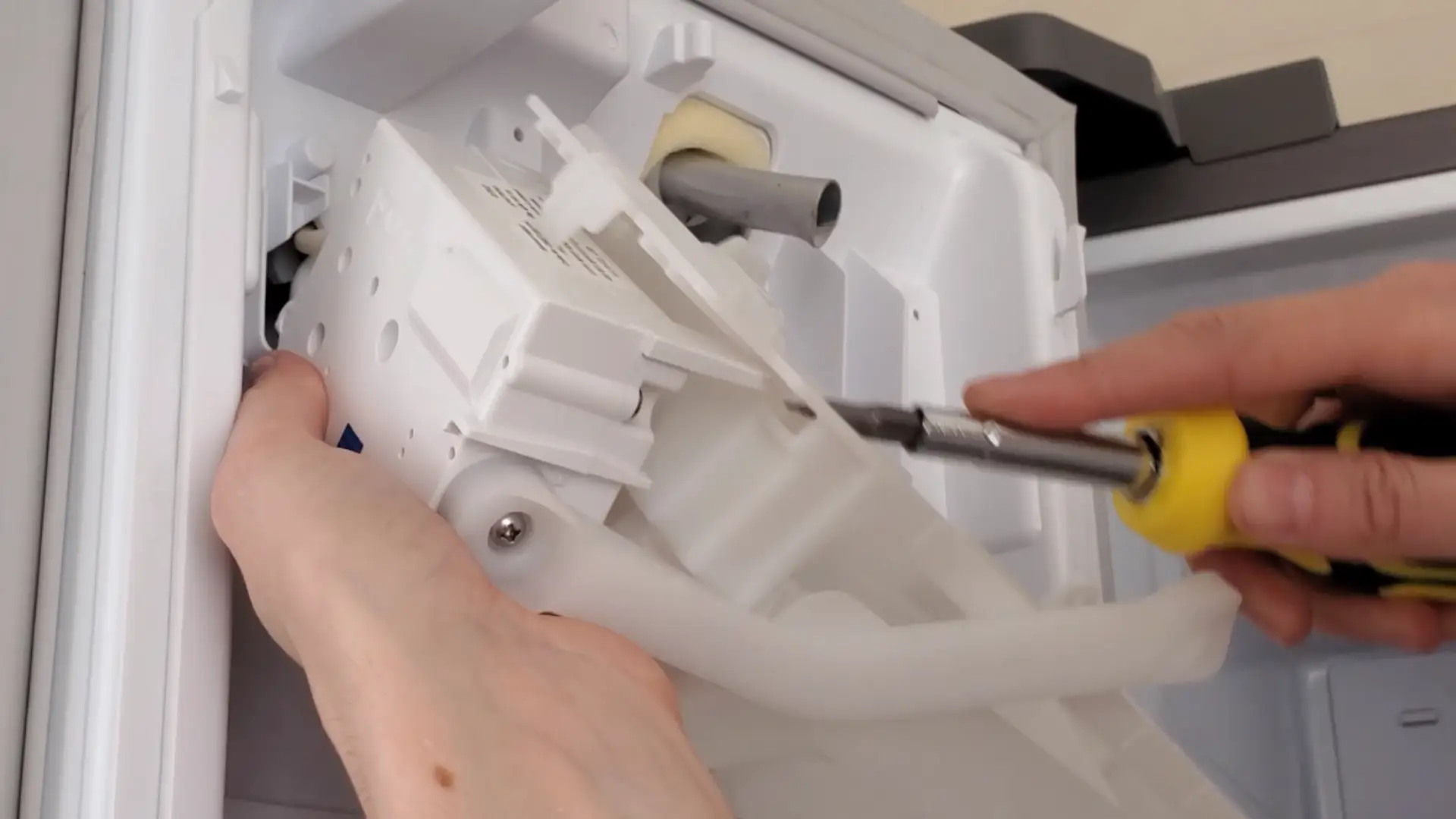
Do not touch the wiring!
Reinstalling the Ice Tray
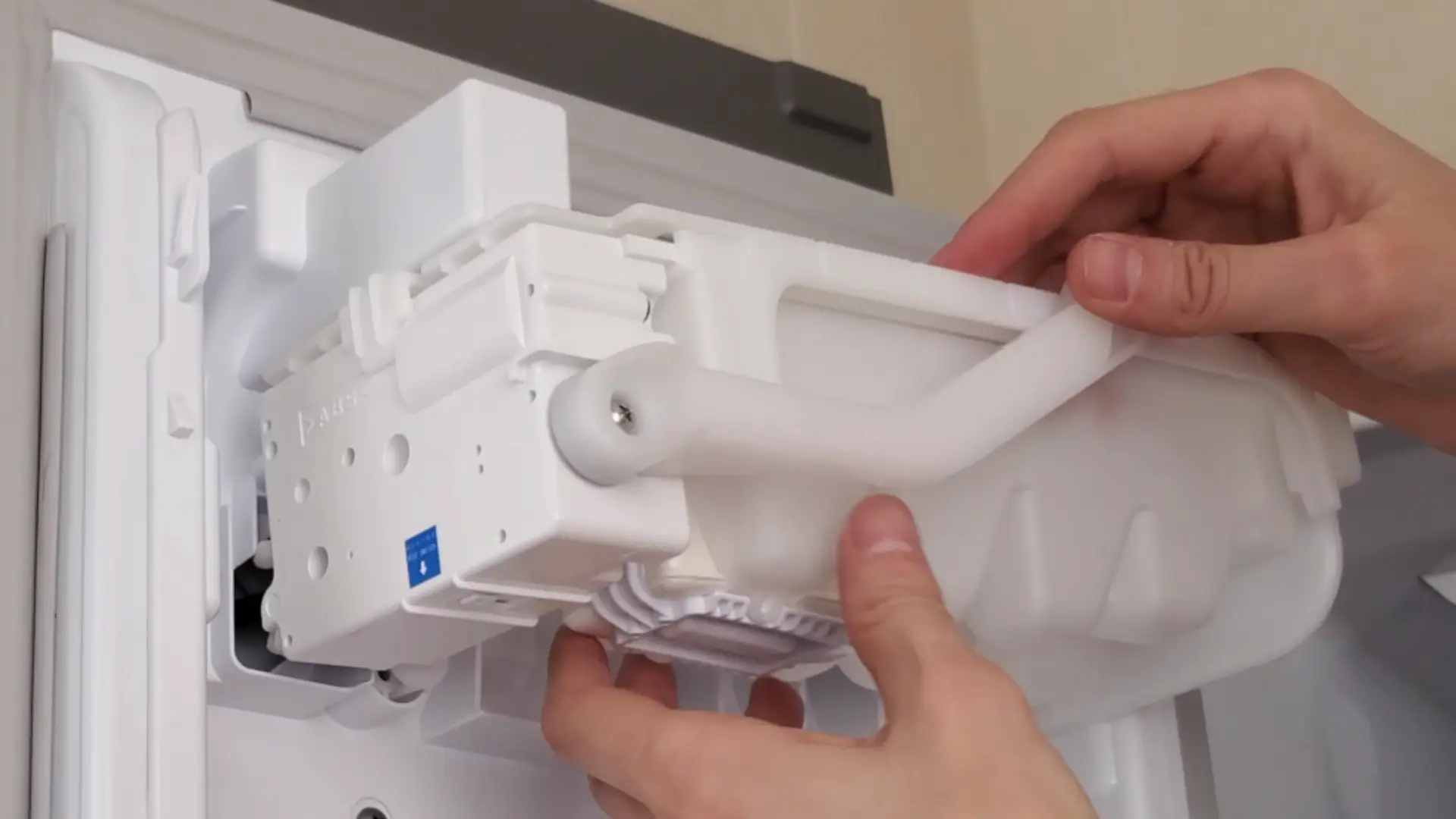
With the ice maker module removed, reinstalling the tray is much easier. The alignment is now correct, making the installation smooth.
- Reattach the ice tray
- Reattach the ice maker (secure with four screws).
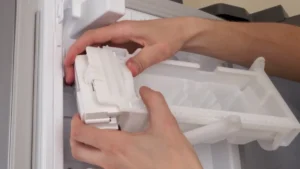
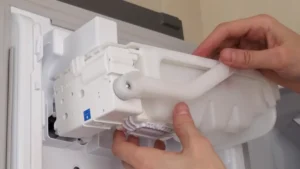
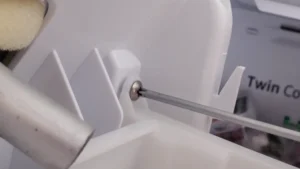
Testing Samsung Ice Maker After Repair
Once the tray is installed:
- Run a self-test by pressing the test button for 3 seconds.

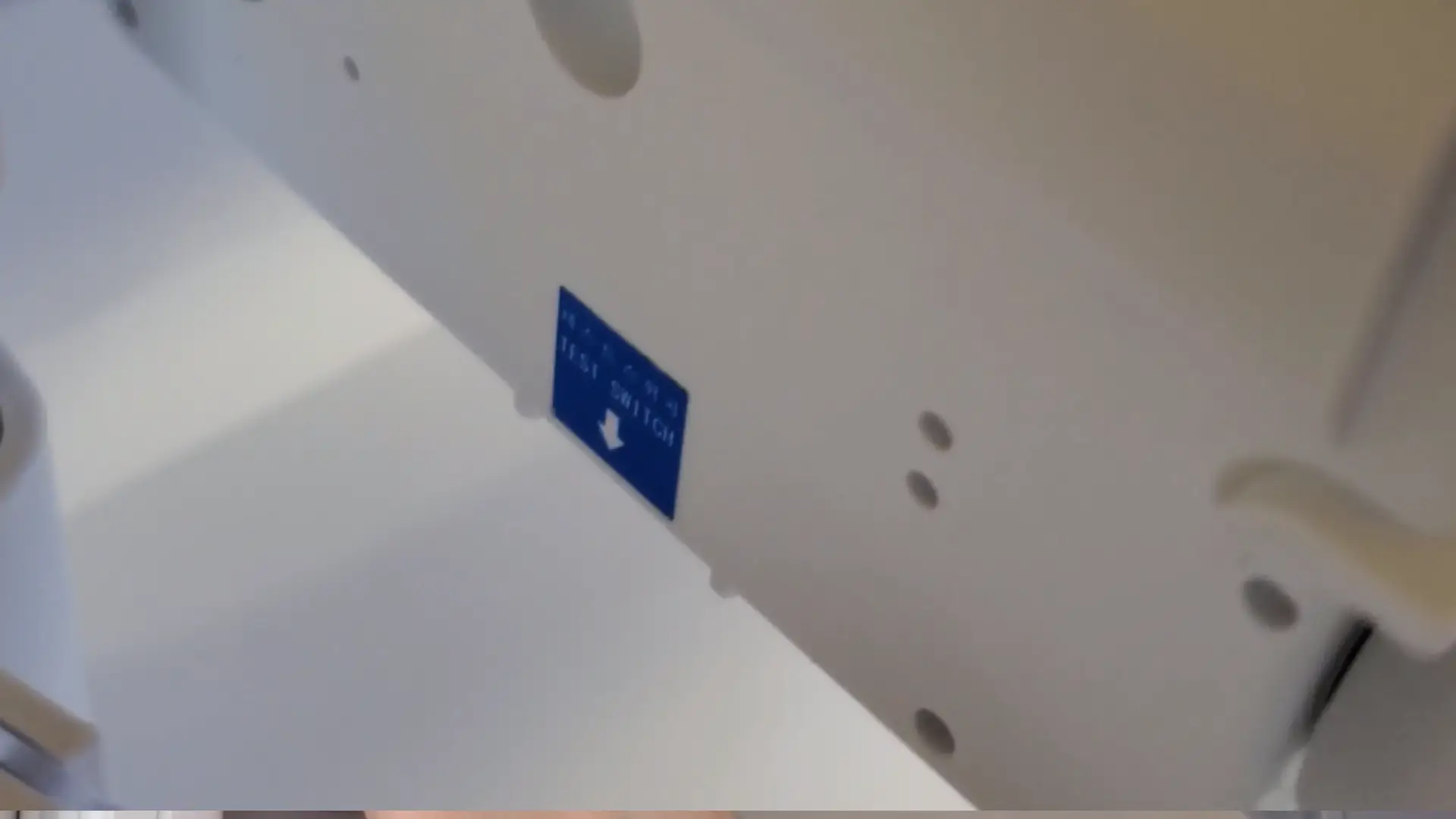
If the tray rotates, it means everything is working fine!
Results & Conclusion
After turning on the ice maker, I had a full bin of ice in 36 hours. The issue was fixed without any service calls!

Watch the Video Guide
Check out my full step-by-step video guide on YouTube:
Get PDF service manual
Samsung service manual: DOWNLOAD
Feel free to leave a comment if you have any questions!
As a long-time user of this ecosystem, I’ve found that even premium devices sometimes need a little attention—check out my Samsung Galaxy S24 unboxing to see the latest design trends from the company.